
How Much RAM Do You Need for AI in 2026?
How Much RAM Do You Need for AI in 2026?
16GB of RAM is enough for most people using cloud-based AI tools such as ChatGPT and Gemini. However, running AI models locally or working with demanding applications may require 32GB, 64GB, or more.
Artificial intelligence is changing how we use laptops, but does that mean everyone needs more memory?
Not necessarily.
The amount of RAM you need depends on whether you’re using AI through online services or running AI models directly on your computer.
In this guide, Unodevs compares 8GB, 16GB, 32GB, and 64GB RAM configurations to help you choose the right laptop without overspending.
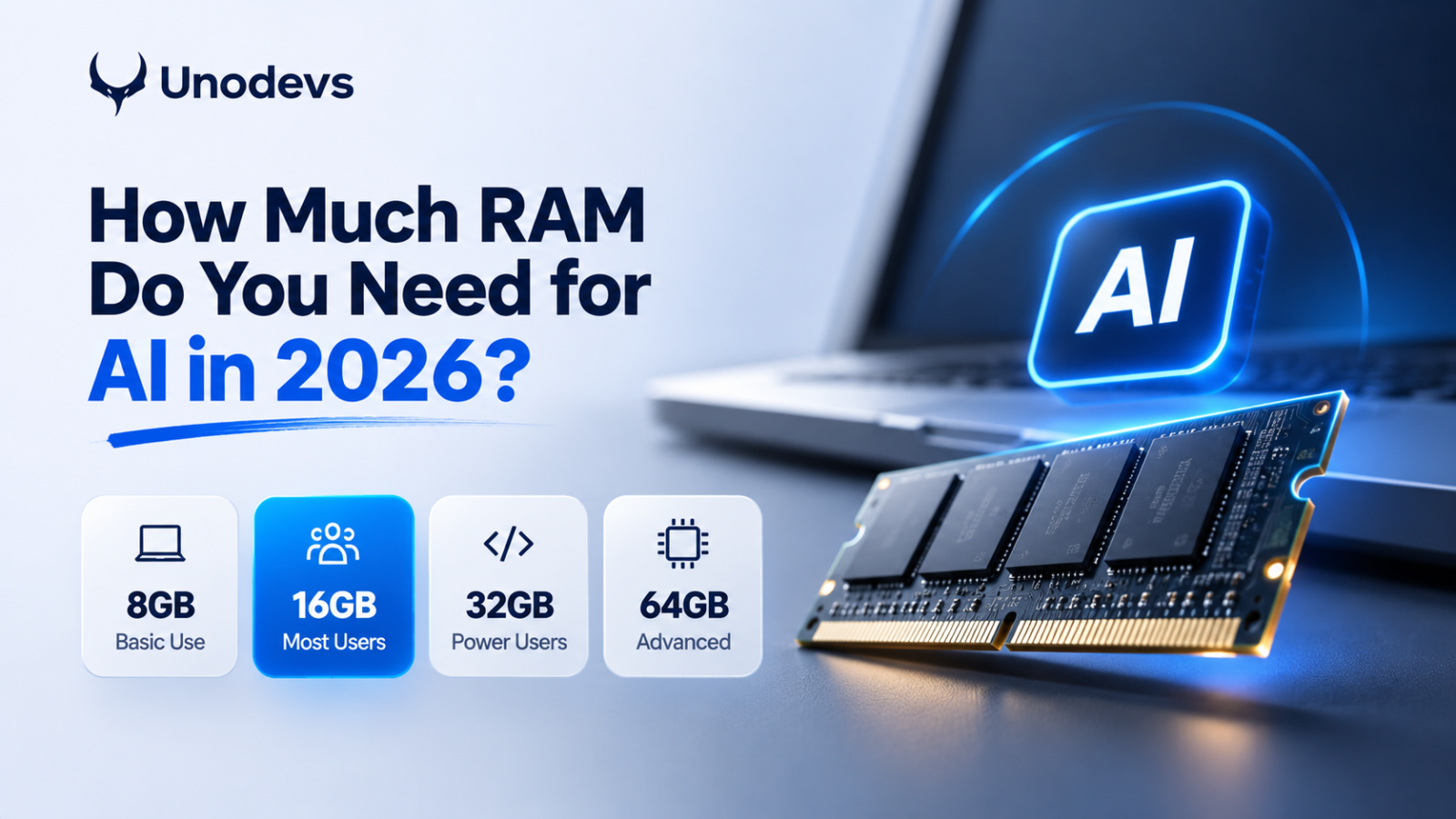
How Much RAM Do You Need for AI?
| RAM | Recommended use |
|---|---|
| 8GB | Basic browsing and lightweight cloud AI |
| 16GB | ChatGPT, Gemini, office work, everyday multitasking |
| 32GB | Programming, creative work, some local AI models |
| 64GB+ | Larger local AI models and demanding professional workloads |
Does ChatGPT Need 32GB RAM?
No. When you use ChatGPT through a web browser, the AI model runs on remote servers.
Your laptop doesn’t need to store or process the entire model locally.
For most people using cloud AI alongside everyday applications, 16GB is a sensible choice.
When Do You Need More RAM for AI?
Running AI locally is different.
Tools such as Ollama and LM Studio allow you to run compatible language models directly on your laptop.
These workloads can require substantially more memory depending on model size, quantization, context length, and GPU capabilities.
32GB may be suitable for some local AI workloads, while larger models can require 64GB or more.
Does RAM Alone Determine AI Performance?
No. RAM capacity is only one factor.
CPU performance, GPU processing power, dedicated VRAM, and unified memory architecture can significantly affect local AI performance.
A laptop with more RAM isn’t automatically faster at running AI models.
Final Verdict
For most people using AI in 2026, 16GB RAM is the best starting point.
Choose 32GB if you regularly work with demanding software or want additional room for local AI experiments.
Consider 64GB or more only when your specific applications and models justify the investment.
At Unodevs, we help businesses navigate technology through web development, performance optimization, and practical digital solutions.
Explore more at unodevs.com.
#How Much RAM Do You Need for AI in 2026?
Keep reading

Is Your Business Website Ready for Europe’s Accessibility Rules? A Practical Guide for 2026
Is Your Business Website Ready for Europe’s Accessibility Rules in 2026? Your website might look beautiful. But can everyone actually use it? Imagine a…
Read
Best AI Tools for Web Designers in 2026
Best AI Tools for Web Designers in 2026 Artificial intelligence has changed the way websites are designed, developed, and launched. What used to take…
Read
ChatGPT vs Claude: Who Will Win the AI Race?1
ChatGPT vs Claude — who will win the AI race? There is going to be one winner. There is always one winner…
Read