
Best AI Tools for Web Designers in 2026
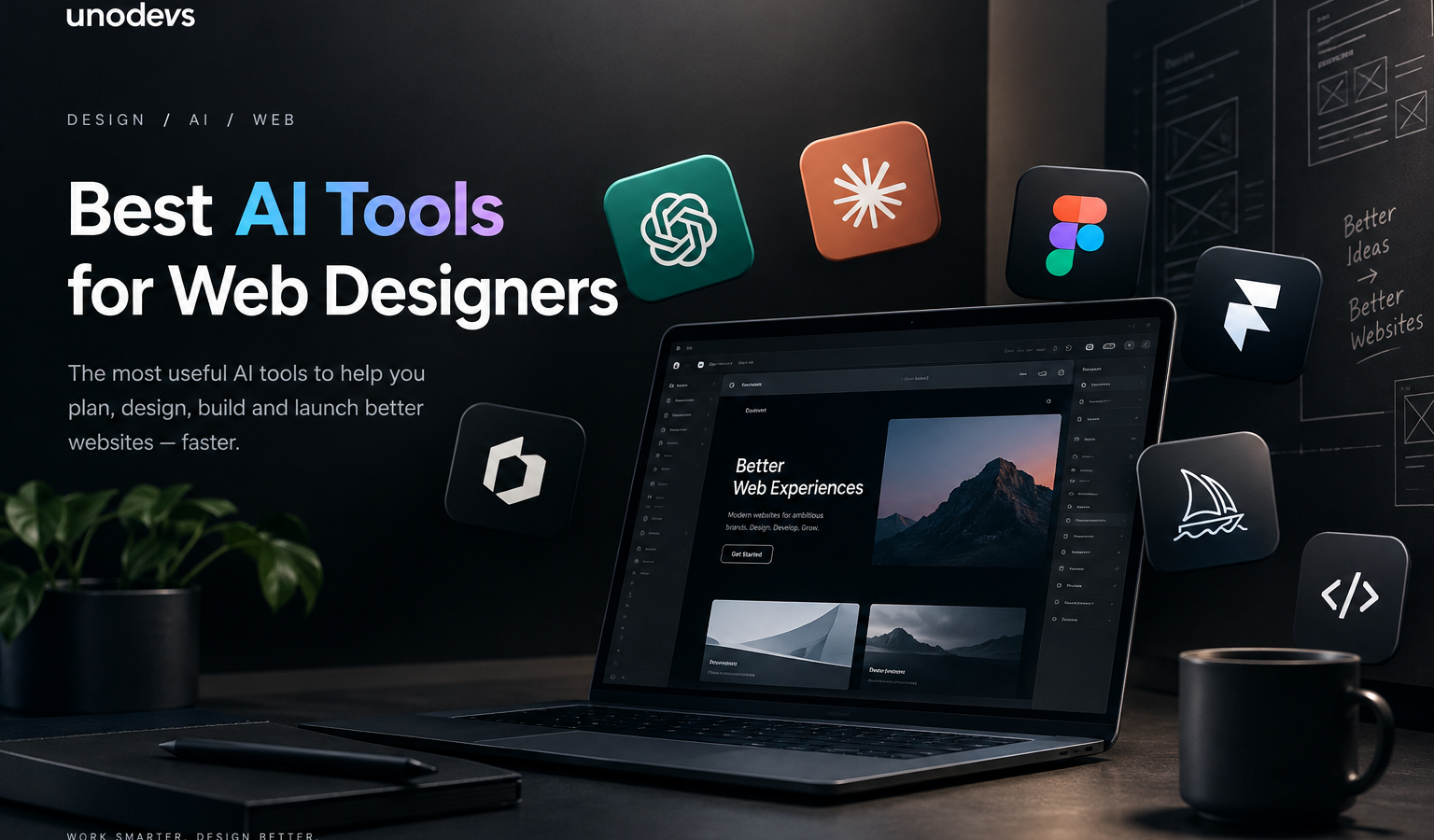
Best AI Tools for Web Designers in 2026
Artificial intelligence has changed the way websites are designed, developed, and launched. What used to take hours of research, wireframing, writing, image creation, and development can now be accelerated with the right AI tools.
But there is a problem: there are too many AI tools.
Every week, another AI website builder, design assistant, image generator, or coding tool appears. Some are genuinely useful, while others are impressive for five minutes and then become difficult to use in a real project.
For professional web designers, the goal shouldn’t be to use AI for everything. The goal is to use AI where it actually makes the workflow faster, more creative, and more efficient while keeping the designer in control.
Here are the AI tools we believe are particularly useful for modern web designers.
1. ChatGPT — The All-Round AI Assistant
OpenAI‘s ChatGPT is one of the most versatile AI tools available to web designers.
It can help with much more than writing text. A designer can use ChatGPT for website structure, UX ideas, landing-page copy, SEO research, HTML/CSS/JavaScript, debugging, brainstorming, image generation, content planning, and technical explanations.
For example, before starting a website, you can ask ChatGPT to help define:
- Website structure
- Target audience
- Navigation
- Landing-page sections
- Calls to action
- Content ideas
- SEO topics
- User journeys
- Design directions
ChatGPT can also generate and refine images, which makes it useful when a project needs custom visual concepts rather than stock photography.
Best use: Research, strategy, copywriting, coding assistance, brainstorming, and visual concepts.
2. Claude — Excellent for Complex Design and Development Work
Anthropic‘s Claude has become another important tool in the web-design workflow.
Where Claude can become particularly useful is when a project contains a lot of information, code, requirements, or documentation. Designers and developers can use it to analyze existing projects, work through large amounts of content, generate code, explain technical problems, and help refine website functionality.
For a web agency, this can be particularly useful when moving from a design concept into an actual working website.
Instead of simply asking an AI to “make me a website,” you can give it a much more detailed brief containing the brand, audience, design system, functionality, content structure, and technical requirements.
Best use: Complex projects, coding, technical problem-solving, documentation, and detailed project work.
3. Figma Make — AI Inside the Design Workflow
If you already use Figma, Figma Make is one of the most interesting AI developments for web designers.
Figma Make allows designers to describe what they want in natural language and generate layouts, interactions, and working prototypes. It can also work with existing Figma designs and design systems.
This is important because the AI isn’t simply generating an image of a website.
The result can be interactive and code-backed, allowing designers to experiment with a real website experience rather than looking at a static screenshot. Figma also says Make can connect to backend data and can be used to publish websites.
For designers, this changes the workflow significantly.
You can generate an initial direction, test it, change the layout, experiment with interactions, and then continue refining the result visually.
Best use: UI design, prototypes, website concepts, design systems, and rapid experimentation.
4. Framer AI — From Idea to Website
Framer has become one of the strongest options for designers who want to go from an idea to a real website without a traditional development workflow.
Its current AI tools can generate pages, sections, copy, and visual directions from prompts. The important part is that the generated website remains editable on Framer’s visual canvas.
This means AI doesn’t have to produce the final result.
Instead, it gives the designer a starting point.
You can generate a landing page, change the typography, modify spacing, adjust responsive breakpoints, edit components, add animations, change content, and continue refining the website visually.
Framer also combines AI with CMS, SEO tools, analytics, hosting, and publishing, making it much more than an AI mockup generator.
Best use: Marketing websites, landing pages, portfolios, startup websites, and fast client projects.
5. Relume — Great for Website Structure and Wireframes
One of the hardest parts of web design isn’t always creating the visual design.
Sometimes the hardest question is:
What should the website actually contain?
This is where AI tools for sitemap generation, wireframing, and website structure can save designers a huge amount of time.
Tools such as Relume are particularly useful during the early stage of a project, when you’re trying to turn a business idea into a structured website.
Instead of jumping directly into colors, typography, and animations, you can first establish:
- Sitemap
- Page structure
- Sections
- Components
- Content hierarchy
- User journey
That foundation can then be taken into the visual design stage.
Best use: Sitemaps, wireframes, website planning, and early UX.
6. AI Image Generation — Creating Custom Visuals
Web designers have traditionally depended heavily on stock photography.
AI image generation has changed that.
Instead of searching through thousands of stock images hoping to find something suitable, designers can generate a visual direction specifically for a website.
This can be particularly useful for:
- Hero sections
- Editorial websites
- Campaign pages
- Background imagery
- Product concepts
- Illustrations
- Social media assets
- Brand concepts
The biggest advantage isn’t simply creating “pretty pictures.”
It’s creating an image that matches the exact visual direction of the website.
ChatGPT’s image generation, for example, can create and refine images from natural-language prompts and iterate on composition and visual direction.
Best use: Custom website imagery, concepts, illustrations, campaign visuals, and creative exploration.
7. AI Coding Tools — Turning Designs Into Working Websites
The relationship between web design and development is changing quickly.
Designers no longer necessarily need to wait for a developer to see whether an idea is technically possible.
AI coding assistants can help turn design concepts into HTML, CSS, JavaScript, React components, and other working code.
This doesn’t mean designers suddenly need to become full-time developers.
Instead, AI can help bridge the gap between:
Design → Prototype → Code → Website
A designer can describe an interaction, ask AI to create a component, inspect the result, and then refine the visual design.
This is particularly useful for agencies because small changes and prototypes can be produced much faster.
So, What Is the Best AI Tool for Web Designers?
There isn’t one AI tool that does everything perfectly.
The better approach is to build an AI workflow.
For example:
ChatGPT → research, strategy, content and ideas
Claude → complex reasoning, coding and technical work
Figma Make → UI exploration, prototypes and design-to-code workflows
Framer AI → creating and publishing websites
Relume → sitemap, wireframes and website structure
AI image generation → custom visuals and creative direction
AI coding tools → development and technical implementation
The real advantage comes from combining these tools rather than expecting one platform to do everything.
Will AI Replace Web Designers?
This is probably the biggest question surrounding AI and web design.
Our answer is not in the way many people imagine.
AI is becoming extremely good at generating layouts, writing code, producing images, and creating first drafts. But a professional website is more than a collection of generated sections.
Someone still needs to understand the business.
Someone needs to understand the customer.
Someone needs to make decisions about branding, typography, hierarchy, conversion, usability, accessibility, content, positioning, and the overall experience.
AI can generate five possible homepage designs.
The designer still has to decide which one actually makes sense.
That’s why the future of web design probably isn’t AI versus designers.
It is more likely to be:
Designers who use AI vs. designers who don’t.
The designers who learn how to direct AI, evaluate its output, and combine it with their own experience can potentially move much faster while maintaining creative control.
Final Thoughts
AI has already changed web design.
The question is no longer whether designers should use AI. The more useful question is where AI can genuinely improve the design process.
For us, the most valuable tools are the ones that remove repetitive work without removing creative control.
AI can help you research faster, create more concepts, write content, generate images, prototype interfaces, build components, and even publish websites.
But the final product still needs human direction.
The best AI web design workflow isn’t about letting AI design everything. It’s about giving designers better tools to turn ideas into real websites faster.
And this is only the beginning.
Unodevs – Web design agency & Branding studio
#best AI tools for web designers
Keep reading

ChatGPT vs Claude: Who Will Win the AI Race?1
ChatGPT vs Claude — who will win the AI race? There is going to be one winner. There is always one winner…
Read
Unodevs a Digital Studio in Europe
Unodevs — Digital Studio in Europe | Web Design & Branding The internet has changed the way businesses are discovered, trusted, and remembered. A…
Read
7 Web Design Trends 2026 Small Business Owners Should Know in 2026
7 Web Design Trends 2026 Small Business Owners Should Know in 2026 Your website is often the first impression customers get of your business…
Read